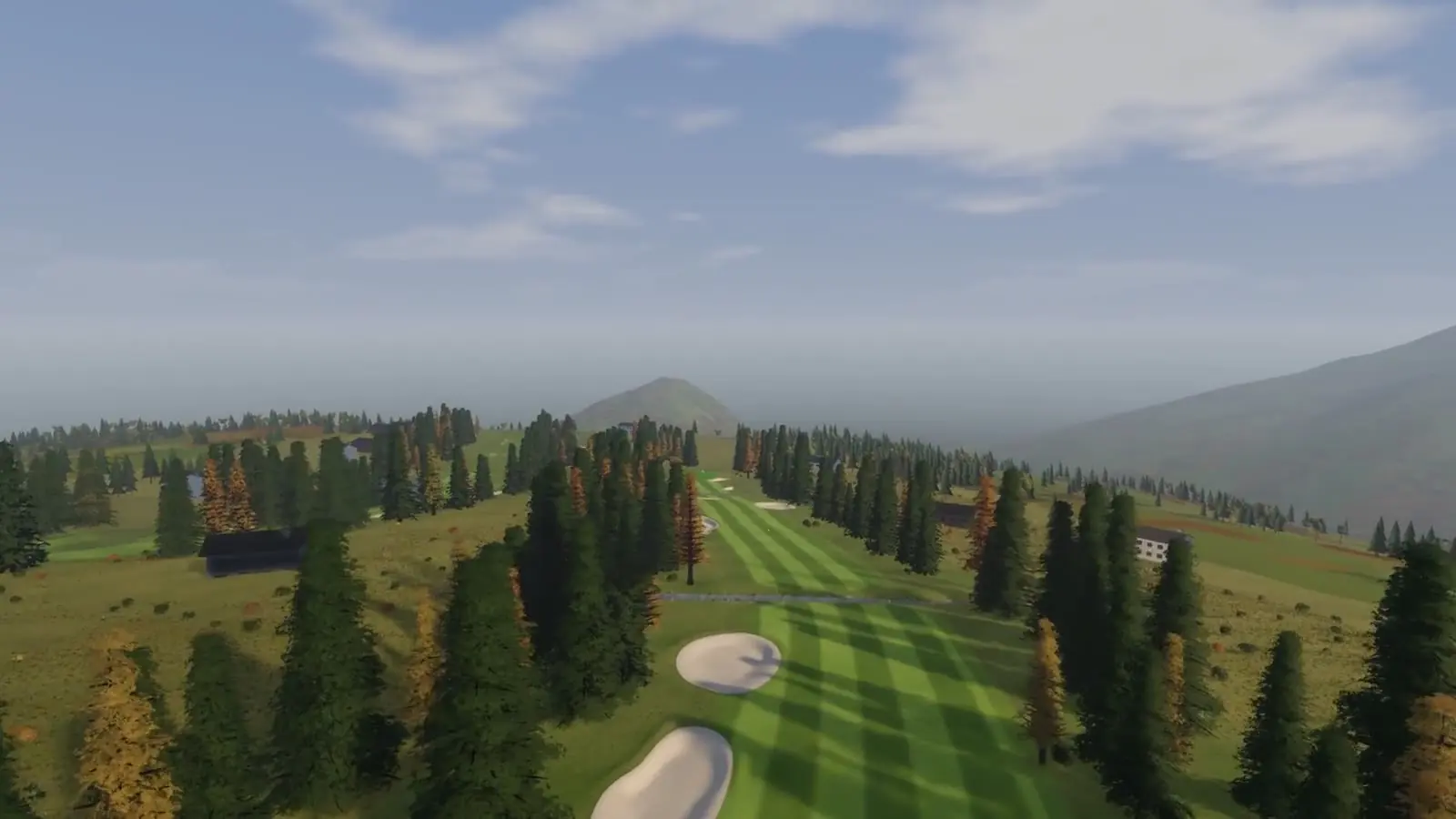
GSPro is one of the most popular simulator programs for the PC. You play it with a launch monitor that measures every shot and sends the data to GSPro. That launch monitor can be a smartphone: the DeepSwing launch monitor speaks GSPro's open interface and works on iPhone and Android.
Here is how the connection works, what you need and what to do if it doesn't work straight away.
How the connection works
With GSPro Connect, GSPro offers an open interface for launch monitors, the Open Connect API. The principle is simple: after every shot the launch monitor sends a small data packet with ball speed, launch angle, start direction and spin over the local network to the PC. GSPro Connect listens on port 921 for it.
DeepSwing measures the shot on the phone and sends the numbers straight to GSPro. There is no server in between and no account the data passes through. Phone and PC just need to be on the same Wi-Fi.
What you need
- A Windows PC with GSPro. GSPro is separate software with its own paid licence.
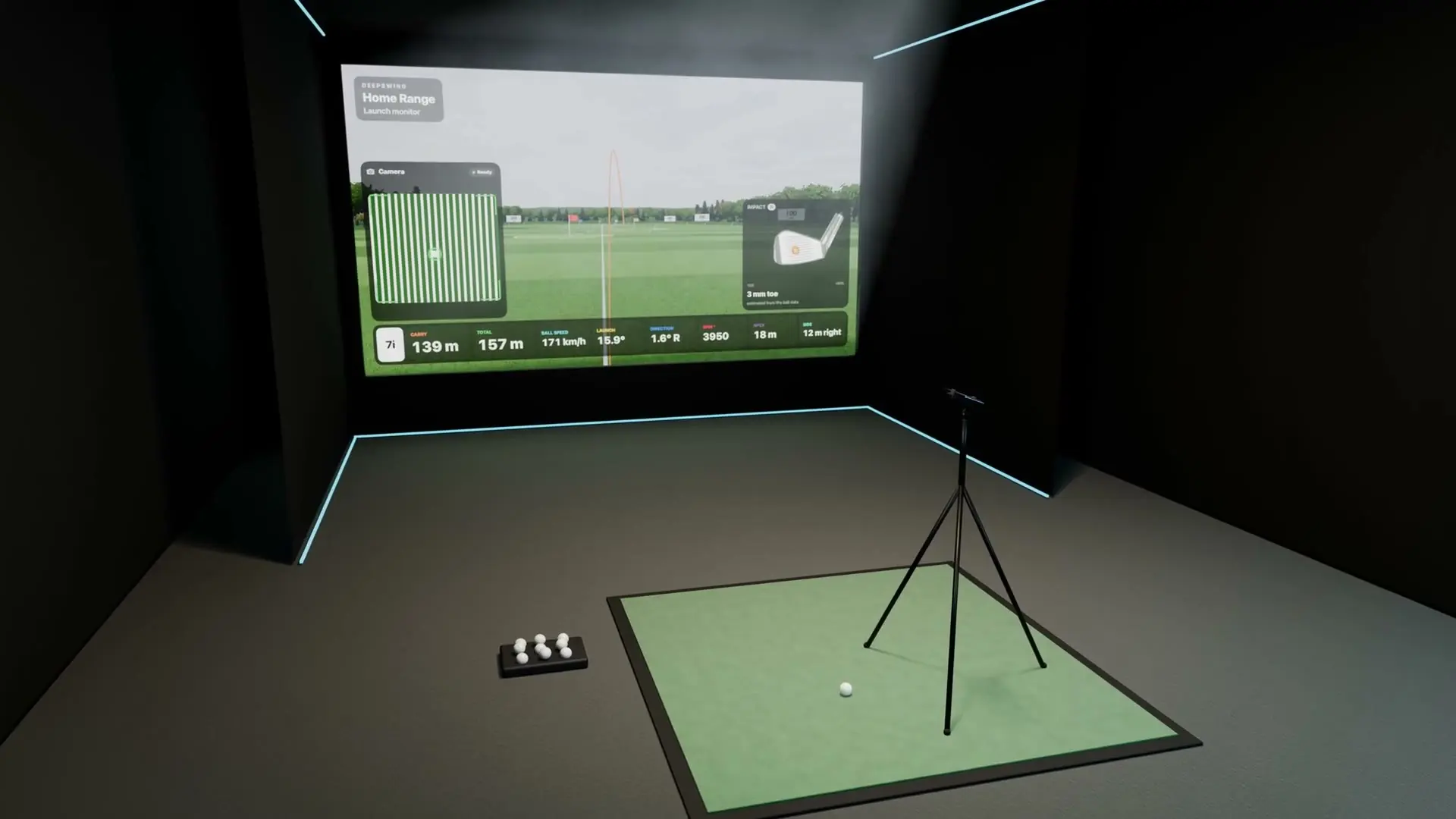
- A phone with DeepSwing, iPhone or Android, on a tripod. How to set it up is explained in How an iPhone measures ball flight without radar.
- A shared Wi-Fi for phone and PC.
- Mat, net and good light, as described in Golf simulator at home with your phone.
Step by step
- Start GSPro and GSPro Connect. On the PC, open GSPro first, then GSPro Connect with the Open API.
- Find the PC's IP address. On Windows, open the command prompt, type
ipconfigand note the IPv4 address of the Wi-Fi or network adapter, for example 192.168.1.20. - Open the launch monitor in DeepSwing and switch on "Send shots to GSPro" in the settings.
- Enter the IP address. No port needed: DeepSwing uses port 921 automatically.
- Wait for the connection. The status shows "Connecting…" and then "Connected", together with the number of shots sent.
- Hit. Every measured shot now plays in GSPro.
DeepSwing takes the club and your hand from GSPro. If you switch to another iron in GSPro, the launch monitor knows without you touching the phone.
If it doesn't connect
| Problem | Fix |
|---|---|
| Status stays on "Connecting…" | Windows firewall: allow incoming connections on port 921 |
| "Not reached, trying again" | Check the IP address; it can change after a router restart |
| Phone and PC can't find each other | Both on the same Wi-Fi? Guest networks often isolate devices |
| Connected, but no shots arrive | Is the ball in the marked zone? Once the circle in DeepSwing is green, the launch monitor is armed |
A tip against changing addresses: many routers can give a device the same IP address permanently. Then you only enter it in DeepSwing once.
Spin and curve
GSPro computes the ball flight from the numbers it receives. DeepSwing measures ball speed, launch angle and start direction from the camera image. Spin is estimated by the app from club, speed and launch, just as in its own display. For most shots that matches the ball flight well. If you want to train draws and fades very precisely, keep in mind that the curve comes from estimated values.
For carry, DeepSwing is within 0 to 2 percent of the Rapsodo MLM2 PRO radar launch monitor, depending on the club.
GSPro or the courses in DeepSwing?
Both work, and it doesn't have to be either-or. GSPro brings its own course selection and community and runs on the PC. DeepSwing itself needs no PC: range, daily challenge, mini games for up to four players, putting and more than 12,000 real courses run directly on iPad, Mac, TV, Google TV or a projector. Many people use DeepSwing for practice and GSPro for an evening round.
Frequently asked questions
Does GSPro work with an iPhone as a launch monitor?
Yes. DeepSwing sends shots through GSPro's Open Connect API, on iPhone and on Android. Phone and PC have to be on the same Wi-Fi.
Which port does GSPro Connect use?
Port 921. If the connection fails, this port has to be allowed in the Windows firewall.
Do I need extra hardware?
No. A phone on a tripod, mat, net and light are enough. GSPro itself runs on your PC.
Is spin sent to GSPro?
Yes, as an estimated value from club, speed and launch. Ball speed, launch and start direction are measured.
Your phone as a launch monitor for GSPro: the DeepSwing launch monitor for iPhone and Android.